Multiple projects, one window
Open several folders as tabs. Each project keeps its own files, explorer and terminals, so nothing gets mixed up.
Free · macOS & Windows
Eclipse Code puts multi-project tabs, an integrated terminal, a Node.js debugger and beautiful themes in one fast, lightweight app. Free to download and use.
Focused on the essentials, with the details done right.
Open several folders as tabs. Each project keeps its own files, explorer and terminals, so nothing gets mixed up.
Real terminals per project with full UTF-8 support. Add more with a single click and keep processes running in the background.
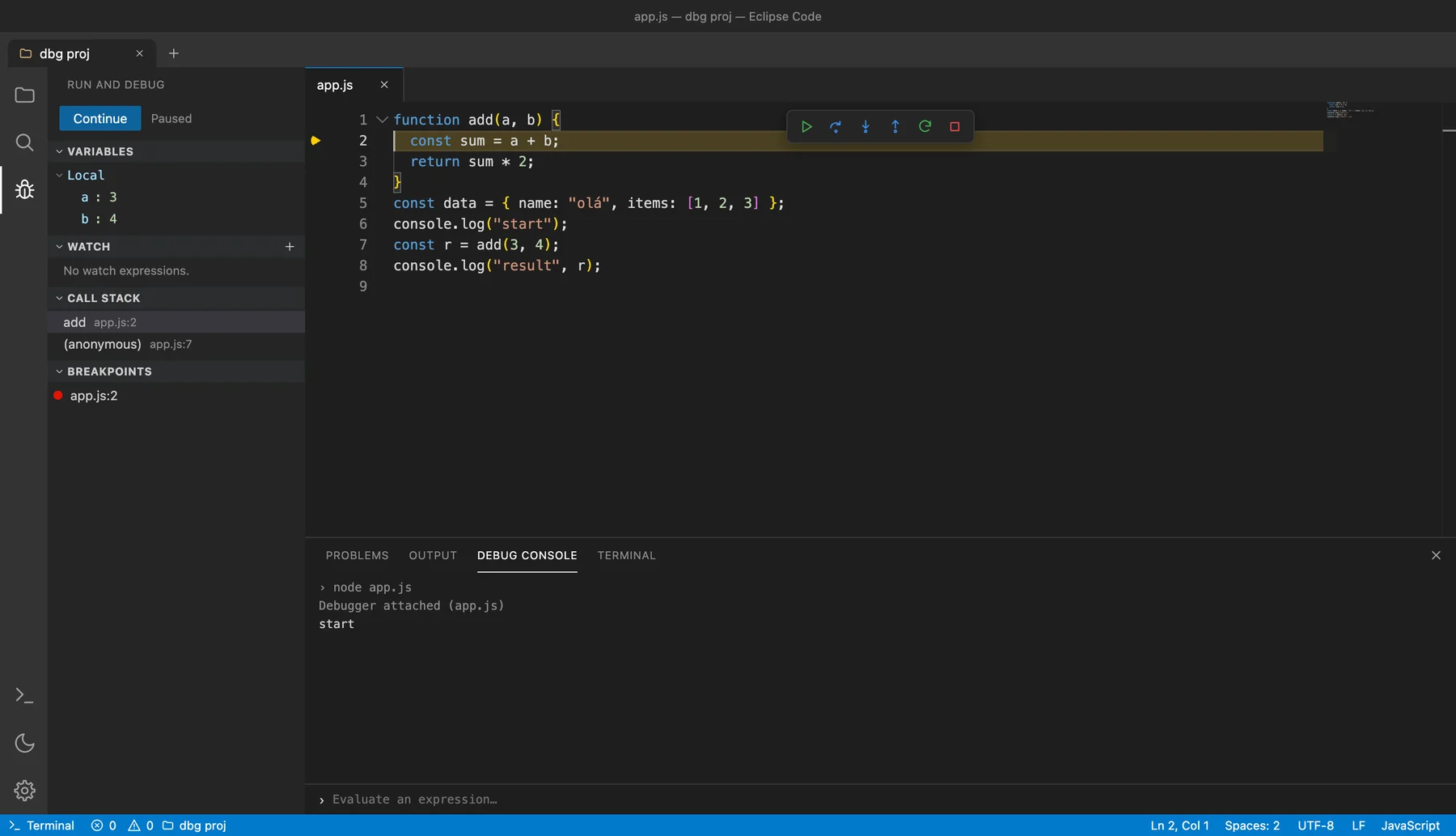
Set breakpoints in the gutter, step through code, inspect variables, watch expressions and use the debug console.
See syntax errors and warnings across your open files and jump straight to them.
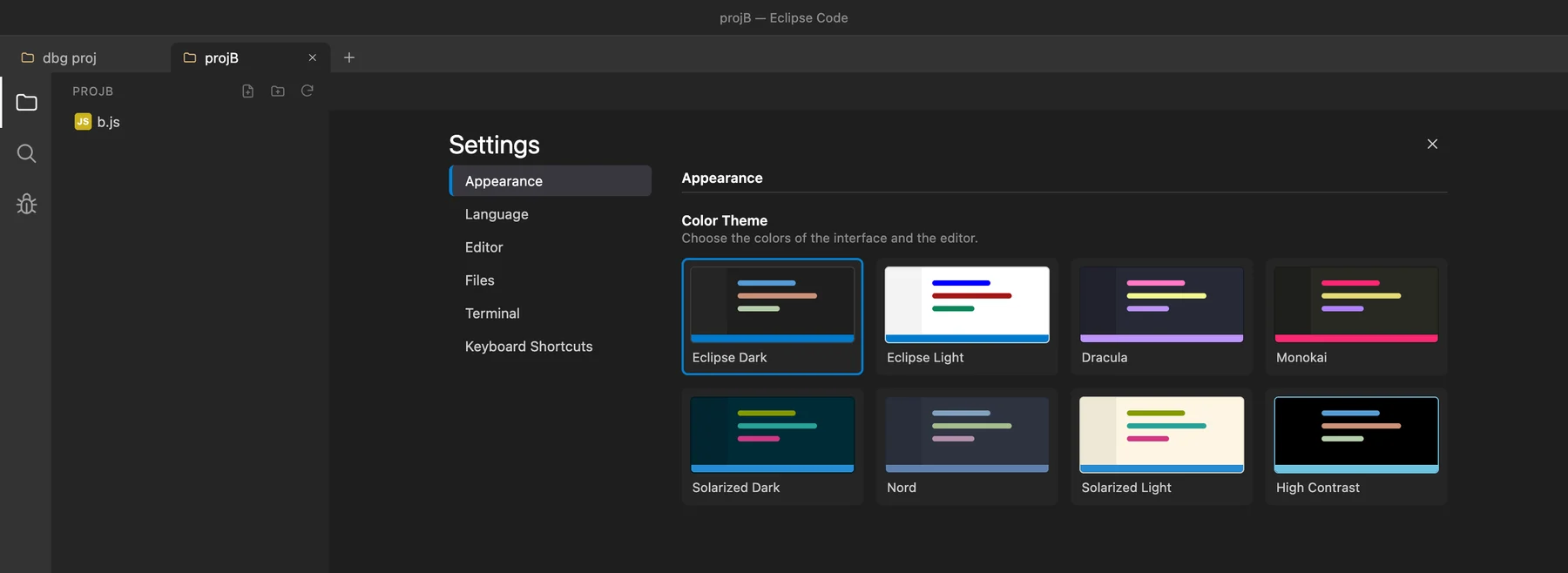
Eight color themes including Dracula, Monokai, Nord and Solarized. Dark by default.
Defaults follow Visual Studio Code, and every shortcut can be changed in the settings.
Accents, symbols and emoji work out of the box. Legacy encodings such as Windows-1252 are detected and preserved.
The interface and menus are available in English, Portuguese, French, German and Spanish.
Debugging
Click the margin to set a breakpoint, run your Node.js file and step through it line by line.
Make it yours
Pick a color theme, change any keyboard shortcut and switch the interface language, all from one settings page.
Free for macOS and Windows. Pick the version for your system.
Macs with M1, M2, M3 or newer chips
Requires macOS 12 or later
Download · Version 0.2.0Intel, AMD and Windows on ARM (emulated)
Requires Windows 10 or later
Download · Version 0.2.0Linux is not available yet.
xattr -cr "/Applications/Eclipse Code.app" Yes. It is free to download and use, with no account or sign-up.
Open the Apple menu → About This Mac. Eclipse Code requires an Apple Silicon Mac (“Chip: Apple M…”); Intel Macs are not supported.
The built-in debugger supports Node.js (JavaScript). Syntax highlighting is available for many more languages.
Yes. Every download lists its SHA-256 checksum. Compare it with the output of shasum -a 256 (macOS) or Get-FileHash (Windows).
Download Eclipse Code for free and get started in minutes.